Why Is Levoit Air Purifier Red?
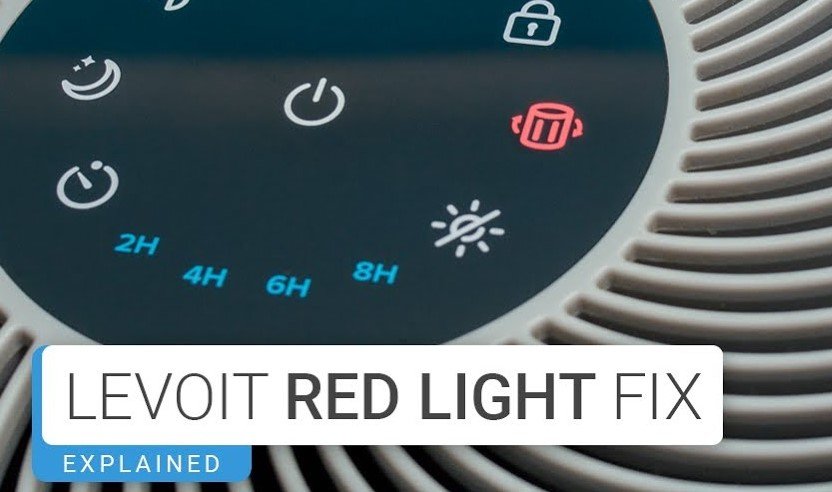
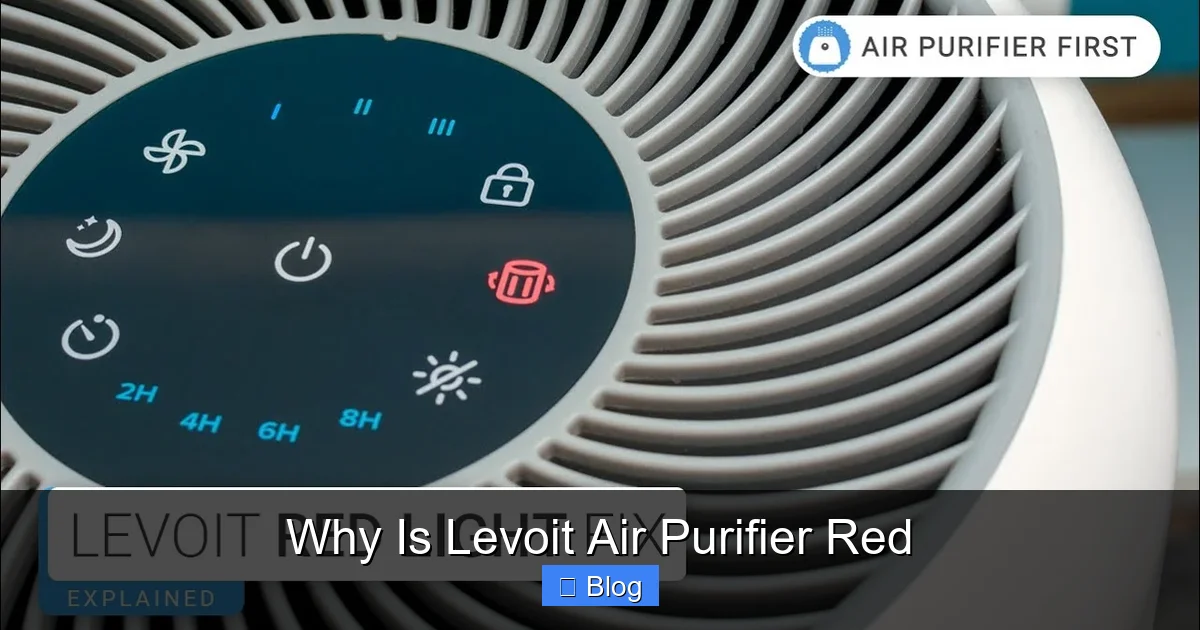
When your Levoit air purifier displays a red light, it is almost always a system reminder that your filter needs to be replaced. While seeing a red indicator might feel alarming, it is simply a helpful maintenance prompt designed to ensure your device continues to effectively remove pollutants from your home air.
You are relaxing in your living room, enjoying the clean, crisp breeze coming from your Levoit air purifier, when suddenly you notice a sharp, glowing red light on the control panel. If you are like most homeowners, your first reaction might be worry. Is the machine broken? Is there a fire hazard? Why is Levoit air purifier red all of a sudden?
First and foremost, take a deep breath. In the vast majority of cases, that glowing red light is not a sign of a mechanical failure or a dangerous malfunction. Instead, it is your device’s way of communicating with you. Think of it like the “check engine” light in a car it is a routine maintenance reminder that is designed to help you keep your indoor air quality at its peak. In this guide, we will break down exactly why this happens and how you can get your purifier back to its optimal state in just a few minutes.
Key Takeaways
- The Filter Timer: A red light usually triggers automatically after a set number of hours to remind you to change the HEPA filter.
- Resetting is Key: Simply replacing the physical filter is not enough; you must manually reset the internal timer to turn off the red light.
- Check for Obstructions: In some models, a red light can also indicate an airflow issue or a sensor blockage caused by dust accumulation.
- Air Quality Alerts: Newer 2026 smart models may use a red light ring to visually warn you that the current air quality in the room is poor.
- Reset Procedures Vary: Each Levoit series has a unique button combination for resetting, so consult your manual if the standard 3-second hold fails.
- Don’t Ignore It: A red light means your filtration efficiency has likely dropped, making it important to act quickly for better respiratory health.
Understanding the Filter Replacement Indicator
The most common reason for a red light on a Levoit device is the internal filter life timer. Most modern air purifiers are programmed to track the usage of the filter. Based on laboratory testing, the manufacturer estimates that the average filter will need to be swapped out after roughly 2,000 to 3,000 hours of operation. Once that internal clock hits the limit, the red light illuminates.
Why Does the Light Stay On?
Many users feel frustrated because they purchase a brand-new filter, slide it into the machine, and find that the red light is still glowing. This happens because the machine does not have a sensor that “feels” a new filter. It only knows that the timer has run out. You must manually instruct the machine to reset its internal memory. Without this step, the purifier will continue to assume the old, dusty filter is still inside.
How to Perform a Standard Reset
Resetting the light is usually a very simple task. For most standard Levoit Core models, you simply need to find the “Filter Reset” button. This is often indicated by a small clock icon or a filter symbol. Press and hold this button down for about three to five seconds. You should see the light blink or turn off completely, signaling that the timer has been reset to zero. Always check your specific model’s user manual, as button layouts can vary slightly between the various versions released over the last few years.
When Red Means Poor Air Quality
If you own one of the newer smart models, the red light might mean something entirely different. These sophisticated devices come equipped with advanced laser dust sensors. Instead of being a maintenance alert, the red light here acts as a real-time air quality indicator. A red light ring or indicator bar signifies that the sensors are currently detecting high levels of PM2.5 particles, allergens, or smoke in the room.
Visual guide about Why Is Levoit Air Purifier Red
Image source: i.ytimg.com
What Should You Do During an Air Quality Spike?
If your Levoit air purifier turns red due to air quality, it is actually doing its job perfectly. It is identifying a spike in pollutants and likely shifting into a higher fan speed to clear the air faster. You can help by identifying the source of the trouble. Are you cooking? Is a window open near a busy street? Is there incense burning nearby? Simply identifying and removing the source will usually cause the sensor to detect cleaner air, and the light will eventually shift from red to yellow, then finally to green.
Cleaning Your Laser Sensor
If the red light stays on for hours even when the air feels perfectly clean, your sensor might be dirty. Dust can accumulate on the sensor lens, causing it to misread the air quality. You can clean this by opening the sensor cover on the side of the unit and using a soft cotton swab to gently wipe the lens. This simple tip often fixes “stuck” red lights in smart models and keeps your device running accurately throughout 2026.
Troubleshooting Airflow Obstructions
Sometimes, the reason why is Levoit air purifier red is due to an airflow problem. If the machine cannot pull air in effectively, it may trigger an alert. This can happen if the intake vents are blocked by furniture, curtains, or a buildup of thick dust bunnies. The motor has to work harder to pull air through the restricted path, and the intelligent software may interpret this strain as a potential issue.
Keeping the Intake Clear
To avoid this, make sure your purifier is placed in an open area. It should be at least 15 inches away from walls or large objects. Regularly vacuuming the exterior intake grill will also prevent dust from clogging the initial layers of the filtration system. By maintaining good airflow, you not only avoid annoying red lights but also help the motor last significantly longer, saving you money on future replacements.
Why Ignoring the Red Light Is a Bad Idea
It is tempting to just put a piece of tape over the glowing red light and keep using the unit, but this is counterproductive. When the light indicates a filter change, it means the filter is saturated. Once a HEPA filter is fully loaded with particles, it loses its ability to trap new contaminants. In fact, if you push a saturated filter too far, you might end up blowing trapped dust and allergens back out into your room.
The Importance of Consistent Filtration
Think of the filter as a sponge. Once a sponge is full of water, it cannot soak up any more. If you keep using a dirty filter, you are effectively paying for electricity to run a fan that isn’t actually cleaning your air. Changing the filter promptly ensures that your home remains a sanctuary from dust, pollen, and pet dander. Always keep a spare filter on hand so you can switch it out the moment that red alert appears.
Choosing the Right Replacement Filter
When the red light tells you it is time for a change, make sure you choose the right replacement. Using unofficial, “off-brand” filters can sometimes lead to issues. These filters may not fit perfectly, which can cause air to leak around the edges rather than through the filter material. Even worse, some low-quality filters can restrict airflow so much that the machine triggers an alert because it cannot breathe properly.
Tips for Buying Genuine Filters
Always aim for genuine Levoit replacement filters. They are designed specifically for your model’s airflow dynamics. Many of the 2026 filter versions include upgraded antimicrobial coatings or specialized carbon layers for odor control. Investing in the right filter ensures that the air purifier performs exactly as the manufacturer intended, keeping your environment as healthy as possible.
Conclusion: Stay Calm and Clean
Coming back to the question: why is Levoit air purifier red? Now you know the answer. It is almost always a helpful, automated reminder to keep your device maintained. Whether it is prompting you to swap out an old, dusty filter or warning you about a sudden drop in indoor air quality, the red light is an ally in your quest for a healthier home. By understanding these simple indicators, you can maintain your purifier with confidence.
Remember, a little bit of maintenance goes a long way. Keeping your sensors clean, replacing filters on time, and ensuring clear airflow will allow your Levoit air purifier to provide you with years of fresh, clean air. If you ever see that red glow, don’t worry just check your manual, perform a quick reset or cleaning, and enjoy the peace of mind that comes with knowing your air is truly clean.
Frequently Asked Questions
What does it mean if the light is blinking red?
A blinking red light on a Levoit purifier usually indicates a specific sensor error or a problem with the fan motor. Try unplugging the device for 10 minutes to reset the internal computer before plugging it back in.
How often should I change my filter to avoid the red light?
Most manufacturers recommend changing your HEPA filter every 6 to 8 months depending on your local air quality. If you have pets or live in a dusty area, you may need to change it closer to every 4 to 5 months.
Can I wash the filter to reset the red light?
No, standard HEPA filters are not washable and will be ruined by water. You must replace the filter with a new one to ensure the air purifier continues to function correctly.
Will the air purifier stop working if I ignore the red light?
On most models, the purifier will continue to run even if the red light is on, but it will not be cleaning the air effectively. It is highly recommended to change the filter immediately to maintain your indoor air quality.
Why is my air purifier red even after I changed the filter?
You likely forgot to reset the filter life timer on the control panel. Look for the filter button and hold it down for 3-5 seconds until the light turns off.
Does a red light mean the motor is failing?
It is very rare for a red light to indicate a motor failure. If you hear grinding noises or the fan isn’t spinning despite the light, that is when you should contact the manufacturer’s support team.