How to Use Anker Portable Charger? How to Safely Charge Your Devices?
Mastering your Anker portable charger ensures your devices stay powered whenever you are on the move. This guide covers everything from the initial setup to advanced battery care, helping you maximize the lifespan and performance of your portable power source.
In our fast-paced world of 2026, staying connected is not just a luxury – it is a necessity. Whether you are navigating a new city, working from a local coffee shop, or documenting your travels, a dead phone battery is the last thing you want to deal with.
That is where an Anker portable charger comes into play. These devices have become the gold standard for reliable, efficient, and long-lasting mobile power. If you have recently picked one up, you might be wondering how to get the most out of it. Do not worry; using these gadgets is straightforward once you know a few simple tricks.
Using an Anker portable charger is about more than just plugging in a cable. It is about understanding how to manage energy efficiently so that you always have backup power when you need it most. In this guide, we will walk through the essentials, from your very first charge to the best ways to extend the life of your battery. By following these simple steps, you will ensure your tech stays charged and ready for whatever your day brings.
Key Takeaways
- Proper Initial Charging: Always fully charge your Anker portable charger unit before the first use to calibrate the internal battery cells.
- Cable Compatibility: Use high-quality, Anker-certified cables to ensure safe power delivery and avoid potential damage to your devices.
- Charging Your Devices: Most models start charging automatically, but some require a button press to wake up the power bank.
- Temperature Control: Avoid leaving your charger in extreme heat or cold, as temperature fluctuations significantly degrade battery health.
- Storage Best Practices: If you plan to store your power bank for a long time, keep it at a 50% charge level to preserve its chemical stability.
- Safety First: Never attempt to disassemble your Anker portable charger, as the lithium-ion batteries inside can be dangerous if punctured.
Getting Started With Your Anker Portable Charger
Before you toss your power bank into your bag, you need to prepare it for service. Many people assume these devices arrive fully charged, but that is rarely the case. Taking the right steps early on sets the stage for a long and healthy battery life.
The First Charge
When you unbox your new Anker portable charger, the first thing you should do is plug it into a wall outlet. Use a reliable wall adapter ideally one that supports Power Delivery to get it to 100% capacity.
While modern lithium-ion batteries do not have a “memory effect” like the old nickel batteries, a full initial charge helps the device’s internal power gauge calibrate correctly. This ensures that when the LED lights tell you the device is full, it is truly at maximum capacity.
Understanding the LED Indicators
Most Anker models feature a series of LED lights or a small digital display. These lights are your window into the device’s soul. Usually, four solid lights mean you have a full charge. If you see them flashing, it usually means the unit is currently charging. If you press the power button and see only one light, it is time to find a wall plug soon. By keeping an eye on these indicators, you will never be surprised by a power bank that dies mid-charge.
How to Safely Charge Your Devices?
Once your Anker portable charger is ready to go, using it to power your smartphone, tablet, or headphones is simple. However, there are nuances to doing it the “right” way to protect both your power bank and your expensive electronics.
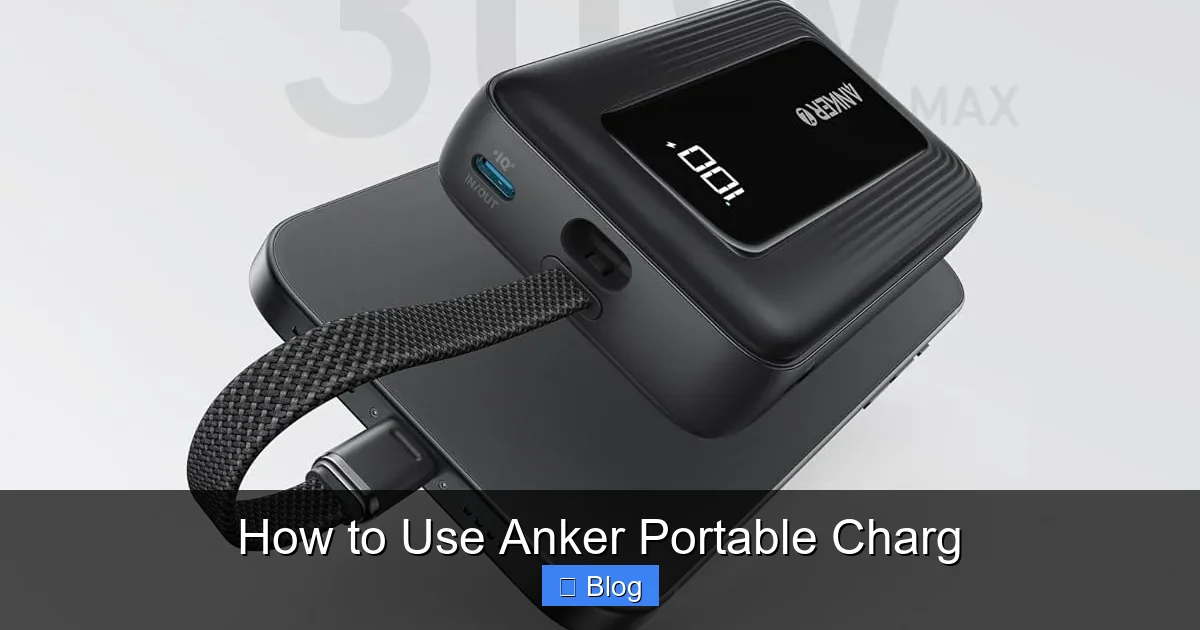
Visual guide about How to Use Anker Portable Charg
Image source: m.media-amazon.com
Plug and Play vs. Power Buttons
Modern Anker units are smart. In many cases, you simply plug in your USB-C or Lightning cable, and the device detects the connection instantly. The internal sensors recognize the power draw from your phone and start the flow of energy. On some older or specialized models, you may need to press the button on the side to “wake up” the device. If your phone isn’t charging after a few seconds, give that button a quick tap.
Using the Right Cables
Not all cables are created equal. Using a cheap or damaged cable can lead to slow charging speeds or, worse, overheating. Anker is famous for its cables, and for good reason. They are built to handle the higher wattage required by fast-charging protocols. Always try to use the cable that came with your device or a certified high-speed cable to ensure you are getting the full power potential of your Anker portable charger.
Optimizing Charging Speed and Efficiency
We all want our phones to charge as fast as possible. In 2026, technology allows for incredible speed, but only if you set everything up correctly. Understanding how to manage these features will save you time.
Fast Charging and Power Delivery
If your device supports fast charging, ensure your Anker portable charger also supports the same protocol. Look for the “PD” (Power Delivery) logo on your unit. When you use a PD-compatible cable and port, your phone can go from 0% to 50% in record time. This is a game-changer when you are at an airport or between meetings and only have ten minutes to get a boost.
Simultaneous Charging
Many Anker power banks allow you to charge multiple devices at once. You might have your phone in one port and your wireless earbuds in another. While this is super convenient, remember that the power bank splits its total output across those ports.
If you are charging two high-power devices like a laptop and a tablet, the charging speed will slow down significantly compared to charging just one device at a time. For the fastest results, charge only one hungry device at a time.
Maintaining Battery Health Over Time
Your Anker portable charg is a long-term investment. If you treat it well, it will serve you for years. If you abuse it, the capacity will drop, and you will find yourself needing to replace it sooner than you should.
The Dangers of Extreme Temperatures
Heat is the number one enemy of lithium-ion batteries. Never leave your power bank in a hot car during the summer or directly under a sunlit window. The heat causes the chemicals inside to degrade, which leads to a permanent loss in capacity. Similarly, extreme cold can cause temporary performance drops. Keep your Anker in a bag or a cool, dry place to keep it running at its peak.
Long-Term Storage Tips
Sometimes we do not need a portable charger for a few weeks or months. If you are going to store it, do not store it completely empty or completely full. Both extremes stress the battery chemistry.
A charge level of roughly 50% is the “sweet spot” for long-term storage. Also, check on it every few months to ensure it has not completely drained, as letting a battery drop to zero for a long time can sometimes prevent it from ever waking up again.
Common Troubleshooting Tips
Even with the best gear, problems can happen. Most of the time, the fix is easy and does not require buying a new unit. If you find your Anker portable charger acting up, try these steps first.
What if it Won’t Charge?
If your power bank refuses to charge, first check the wall adapter and the cable you are using. Often, it is not the Anker unit itself that is broken, but the block you are plugging into the wall. Try a different outlet or a different power adapter. If it still doesn’t take a charge, inspect the charging port on the Anker unit itself for dust or lint. A gentle blast of compressed air can often clear the way for a better connection.
Dealing with Overheating
If your device feels unusually hot while charging, disconnect it immediately. Give it a few minutes to cool down in a shaded, well-ventilated area. Charging generates heat naturally, but if it is too hot to touch, something is wrong. Check that you are not charging it while it is buried at the bottom of a heavy, insulated backpack, which prevents heat from escaping.
The Future of Portable Power
As we move deeper into 2026, the technology inside your Anker portable charger is evolving. We are seeing smaller form factors that pack massive amounts of energy. By understanding the basics, you are already ahead of the curve. Keep your firmware updated if your model supports it, stay mindful of your charging environment, and always keep your cables tidy.
In conclusion, knowing how to use an Anker portable charger is about building good habits. It is the simple act of plugging it in when you get home, keeping it away from extreme heat, and choosing the right cables.
These small steps ensure that your phone stays alive during the most important moments of your day. With a little bit of care, your power bank will be your most reliable companion for years to come. Stay charged, stay connected, and enjoy the freedom that comes with knowing you have power in your pocket.
Frequently Asked Questions
How often should I charge my Anker portable charger?
You should charge your device whenever it falls below 25% to keep it ready for use. It is not necessary to drain it completely before charging; in fact, avoiding deep discharges helps extend the life of the internal battery.
Can I use my Anker portable charger on an airplane?
Yes, most standard power banks are allowed in carry-on luggage for flights. Always check the specific capacity limits set by your airline, as some carriers have restrictions on very large capacity batteries.
Why does my charger get warm during use?
It is normal for power banks to get slightly warm because of the energy transfer process. However, if it becomes hot to the touch or starts bulging, stop using it immediately and contact Anker support.
Can I leave my device plugged into the power bank overnight?
Most Anker products have built-in safety features to stop charging once the device is full. While it is generally safe, it is still a best practice to unplug your devices once they reach 100% to save energy.
How do I know if my Anker power bank is broken?
If the device fails to hold a charge after being plugged in for several hours or if it shows no lights when the button is pressed, there may be an internal fault. First, try using a different cable and wall plug to rule out external issues.
Is it safe to charge a phone while the power bank is charging?
This is known as “pass-through charging,” and while some Anker models support it, it is not recommended for everyday use. It generates extra heat and can reduce the overall lifespan of the battery cells over time.