
How to Set Up Winix Air Purifier C610? (Simple Tips)
Setting up your Winix Air Purifier C610 is a quick and simple process that ensures your home air quality remains pristine. By following our step-by-step guide, you will have your unit running efficiently, providing you with fresher air in just a few minutes.
Welcome to the family of cleaner, fresher air! Investing in an air purifier is one of the smartest choices you can make for your home environment, especially in 2026 where air quality matters more than ever. If you have just unboxed your brand-new Winix Air Purifier C610, you are likely excited to get it running. Don’t worry, the process is straightforward and friendly, even if you aren’t a tech expert.
In this guide, we will walk you through exactly how to set up Winix Air Purifier C610 so you can enjoy the benefits immediately. We’ll cover everything from unboxing and filter installation to finding the perfect spot in your room. Grab a cup of coffee, and let’s get your air purifier ready to work its magic.
- Preparation is Key: Always remove all plastic packaging from the filters before starting the device to prevent damage.
- Strategic Placement: Place your unit at least 12 inches away from walls and furniture to ensure proper airflow for maximum performance.
- Filter Maintenance: Understanding the filter sequence is vital for longevity and keeping your air free from pollutants.
- Smart Sensor Care: Keep the air quality sensor clean to ensure the automatic mode functions accurately throughout the year.
- Regular Upkeep: Routine checks and timely filter replacements are the best ways to maintain high-efficiency air purification.
Unboxing and Initial Preparation
When you first open the box, take a moment to account for all the components. You should find the main purifier unit, a set of pre-installed filters (usually encased in plastic), and the user manual. Before you plug anything in, it is crucial to handle the internal components correctly.
Removing Plastic Packaging
Many new users make the common mistake of plugging in the unit without removing the plastic wrapping from the filters. This is the most important step in the entire setup process. If you leave the plastic on, the air cannot pass through the filtration system, which could eventually damage the motor. Open the front panel of the Winix Air Purifier C610, slide out the filters, and carefully remove all protective plastic bags. Once the filters are unwrapped, slide them back in following the order indicated in your manual, typically starting with the True HEPA filter followed by the carbon filter.
Checking for Shipping Damage
Even though Winix packs their products securely, it is always a good practice to inspect the unit for any cracks or loose parts that might have occurred during transit. Ensure the air intake and outlet grilles are clear of debris. If everything looks good, you are ready to move to the next stage of your setup.
Finding the Ideal Location
Where you place your air purifier significantly impacts its efficiency. You want the device to have easy access to the air it needs to clean. Avoid tucking it into a corner or behind a couch, as this limits the intake capacity.
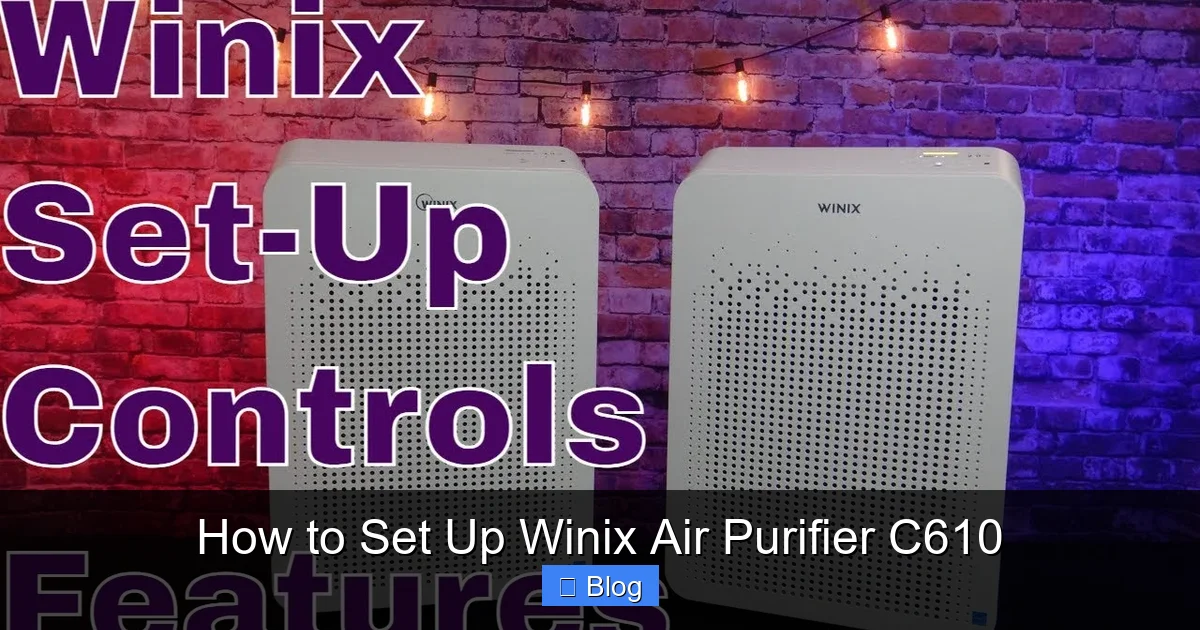
Visual guide about How to Set Up Winix Air Purifier C610
Image source: i.ytimg.com
Optimal Airflow Principles
For the best results, place your Winix Air Purifier C610 on a flat, stable surface. Keep at least 12 to 18 inches of clearance on all sides of the unit. This allows the internal fan to circulate the air effectively throughout the room. If you are placing it in a bedroom, keep it near the area where you sleep, but avoid placing it directly against a wall which might muffle the intake sound.
Avoid Restricted Areas
Do not place your air purifier near high-humidity areas like bathrooms or directly next to heating vents. High moisture can lead to mold growth on filters, and heat can interfere with the electronic sensors. By keeping your unit in an open, neutral area, you allow the sensors to get a better reading of the actual air quality in your home.
Understanding the Control Panel
Once you have placed the unit, go ahead and plug it into a standard wall outlet. You will notice the light on the control panel turn on or blink, indicating it is receiving power. The Winix C610 is designed to be intuitive, but it helps to know what every button does.
Powering On for the First Time
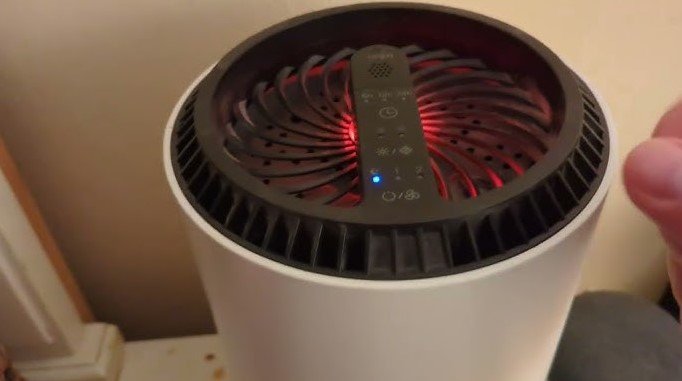
Press the power button to start the device. The unit will likely go through a brief diagnostic cycle. You will notice the Air Quality Indicator light changing colors. This is normal! It is merely the sensor warming up and adjusting to the current particles in your home. Within a few minutes, it will stabilize and show you the true quality of your indoor air.
Exploring Auto Mode
Auto Mode is the “set it and forget it” feature that most owners love. When this mode is active, the Winix Air Purifier C610 uses its onboard sensor to detect pollutants in real-time. If you start cooking or someone vacuums nearby, the fan speed will increase automatically to handle the increased load. To enable this, just press the Auto button on the control panel until the light illuminates.
Maintaining Your Filter Life
The filter system is the heart of your device. Without clean filters, your purifier is just a loud fan. Understanding how to manage your filters is a big part of how to set up Winix Air Purifier C610 for the long haul.
Tracking Filter Status
Your Winix unit is smart enough to tell you when it’s time for maintenance. There is a “Check Filter” light on the display. When this light turns on, it’s a friendly reminder that your filters are likely saturated with dust and allergens. Depending on your home environment—such as having pets or living in a dusty area—you might need to change them every 6 to 12 months.
Cleaning the Pre-Filter
The mesh pre-filter is the first line of defense. It catches large particles like pet hair and dust bunnies. You don’t need to replace this one as often; instead, vacuum it or rinse it gently with water once a month. Make sure it is completely dry before putting it back inside the unit. This simple tip will drastically extend the life of your expensive True HEPA filter.
The Importance of Sensor Calibration
The air quality sensor is what makes the C610 so effective. However, it can occasionally get dusty. If you notice your unit is stuck on “high” or “low” and won’t adjust even when the air quality changes, it might just need a little cleaning.
Cleaning the Sensor Lens
Located on the side of the unit, you will find a small sensor lens cover. Open the cover and use a cotton swab lightly dampened with water to wipe the lens area clean. Dry it off with a second, dry cotton swab. This ensures that the light beam inside the sensor isn’t blocked by dust, allowing the machine to “see” your air quality accurately.
Troubleshooting Common Setup Issues
Sometimes things don’t go perfectly on the first try, and that is okay. If your unit is not turning on, first double-check the power cord connection at both the wall outlet and the base of the machine. It is surprisingly common for the plug to be slightly loose.
Dealing with Unusual Noises
If you hear a rattling sound, verify that the front panel is clicked firmly into place. Sometimes, if the panel is slightly loose, the vibration of the fan can cause it to click against the housing. Ensure the filters are seated perfectly square in their slots. If the noise persists, check if any foreign object has fallen into the top outlet grille.
Resetting the Filter Light
After you have replaced your filters, you need to tell the machine that you’ve done so. Simply press and hold the “Filter Reset” button (or the specific combination indicated in your manual) for a few seconds until the light turns off. This resets the internal timer so the machine can track the life of your new filters correctly.
Conclusion
Setting up your Winix Air Purifier C610 is a quick journey to a healthier home. By removing the plastic from your filters, placing the unit in a well-ventilated area, and understanding how to maintain the sensor and filters, you are setting yourself up for years of success. Remember, clean air isn’t just about comfort; it is about your long-term health and well-being.
Now that your device is running, sit back and enjoy the peace of mind that comes with knowing your air is being scrubbed of dust, dander, and other irritants. If you run into any issues, remember that the manual is your best friend, and regular maintenance is the secret to a high-performing device. Enjoy your fresh, clean home environment!
Frequently Asked Questions
How often should I change the HEPA filter?
Generally, you should replace the True HEPA filter every 12 months depending on the air quality in your home. If you have pets or live in a very dusty environment, you might consider changing it every 9 months for maximum performance.
Can I wash the True HEPA filter?
No, the True HEPA filter is not washable and will be damaged if exposed to water. You should only clean the mesh pre-filter with water, making sure it is fully dry before reinstalling it.
What does the color of the light mean?
The light indicates the current air quality in your room. Blue generally means excellent air quality, amber signifies moderate pollution, and red indicates poor air quality that requires the unit to work harder.
Does the C610 consume a lot of electricity?
The Winix C610 is designed to be energy-efficient and carries an Energy Star rating. Using it on Auto mode helps conserve power, as the unit slows down the fan speed when the air is already clean.
Should I turn the unit off when I leave the house?
It is perfectly fine to leave your Winix Air Purifier C610 running continuously on Auto mode. This allows the unit to maintain air quality throughout the day, ensuring the air is fresh whenever you return home.
Is it normal for the unit to make a clicking sound?
A slight clicking or rattling sound usually means the front panel isn’t snapped into place correctly or a filter is slightly misaligned. Check that all parts are secured firmly, and the noise should stop immediately.